
Imprint
Caption your photos in a single drop.
Download Imprint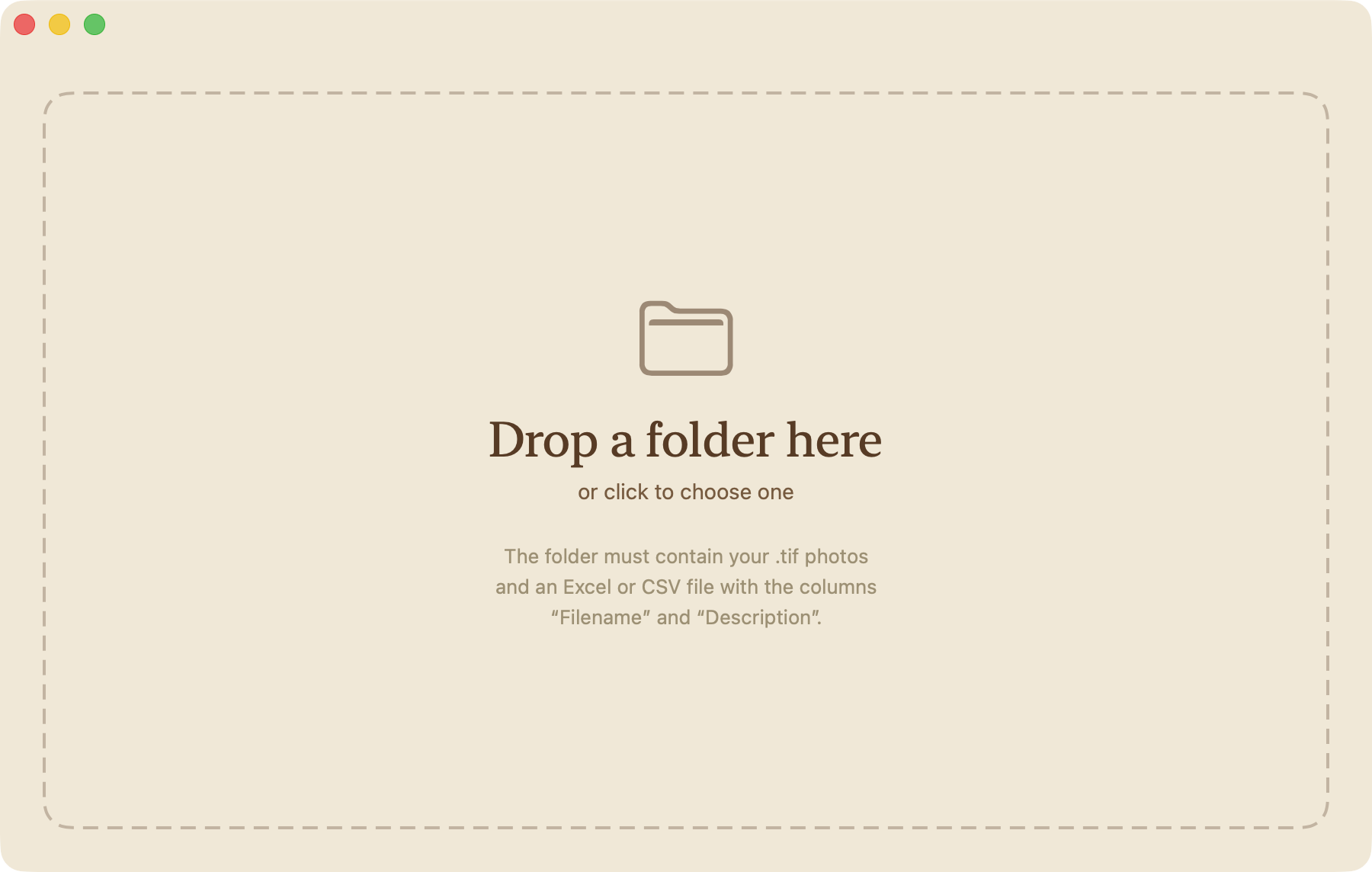
How it works
1
Gather
Put your .tif or .jpg photos and your caption file — Excel or CSV — in the same folder.
2
Drop
Drag the folder into Imprint, or click to choose it.
3
Done
Captions land in the Description field, ready for Bridge, Photoshop, Lightroom, agencies.
Inside the spreadsheet
Two columns minimum: Filename and Description. From there, optional:
- Split into
Description (FR)+Description (EN)— Imprint joins them. - List several filenames in one cell (comma-separated) to share a caption across photos.
- Merge Description cells vertically to apply the same caption to a range of rows.